


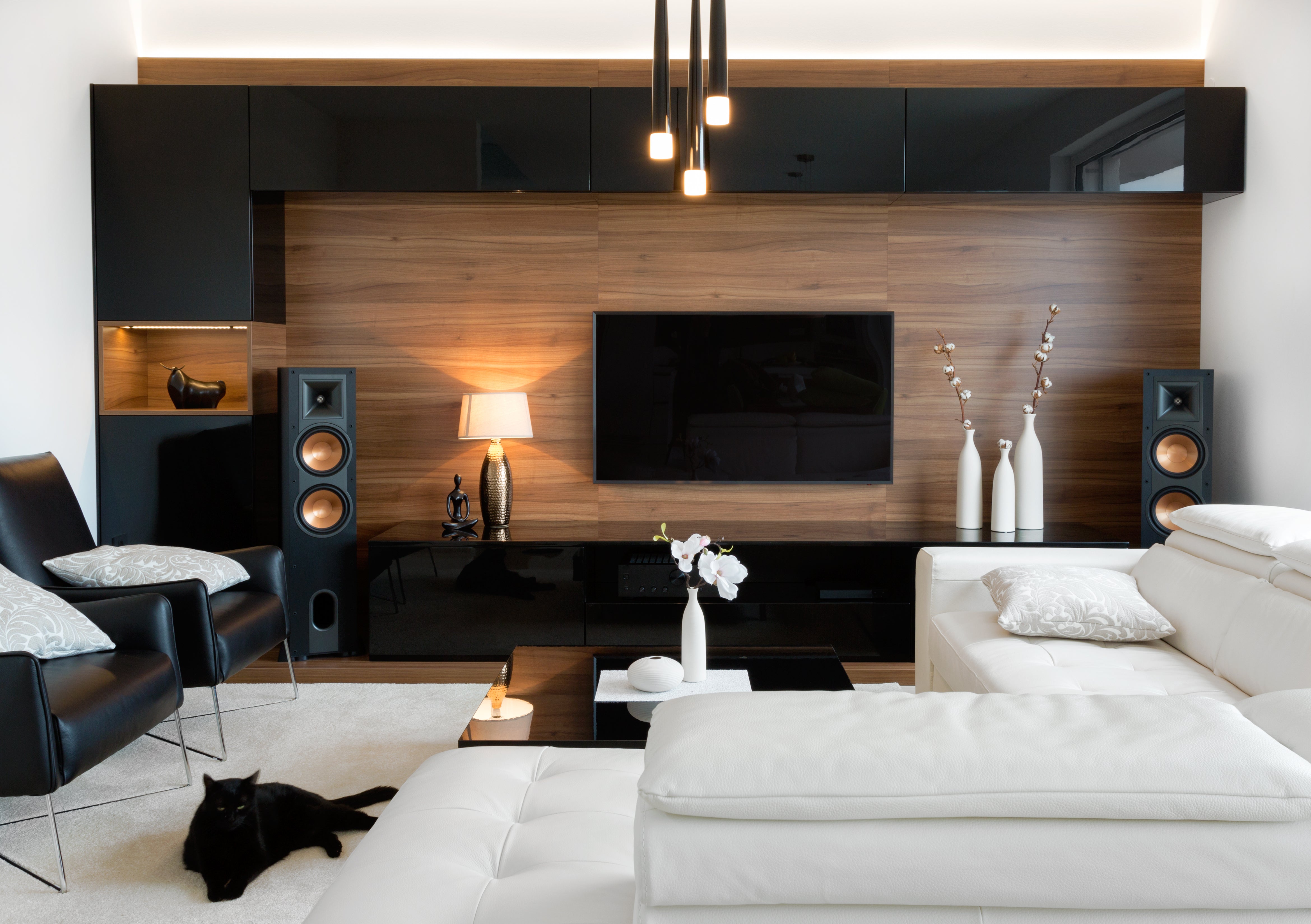
Integrate Dynamic Sound into Your Home Theater System
with miniDSP SHD or Flex and Device Console
A high fidelity stereo system is generally viewed as a pure approach to music listening. And while multi-channel home theater systems can definitely be very high fidelity, the extensive theater processing of an audio video receiver or processor (AVR/AVP) doesn’t lend itself as well to the audio listening experience.
So why not use the best aspects of both your stereo and home theater components to create a dynamic, integrated system? With this hybrid approach, it’s possible to build a blended, dual purpose system by incorporating the advanced capabilities of the miniDSP SHD or Flex.
A Dynamic Hybrid Approach
This method uses a high performance audio system as the core left and right speakers and subwoofer, and seamlessly integrates it into a multi-channel home theater system. The Dirac Live room and system correction utilized in the audio system is carried over to the home theater experience.
The first step is to build your stereo system, including setup of all crossovers, delays and Dirac Live projects. This ensures your 2.1 or 2.2 stereo system is fully optimized.
Next, the audio video system is built around the stereo system with its center and surround speakers. The left and right main audio menu of the AVR/AVP needs to be set up with the main left and right as full range speakers, large setting, and with no subwoofer. This way the full spectrum, including low frequencies and LFE, are sent to the miniDSP unit. When the home theater calibration procedure is performed, the full audio spectrum is covered and the entire home theater configuration will be calibrated.
After the home theater system has been integrated and tested with the stereo, the entire system is calibrated by your AVR/AVP correction process (Audyssey, ARC, YPAO, Dirac, etc.).
When functioning as a stereo system, the AVR/AVP and associated center and surround speakers are removed from the equation. Digital sources are streamed directly into the 2.1 or 2.2 system for a pure and unadulterated stereo listening experience.
For movie night, the AVR/AVP utilizes the stereo system as its main left, main right and subwoofer speakers. In movie mode, the entire system is calibrated by your AVR using Audyssey, ARC, YPAO, Dirac, etc.
Using an AVP with miniDSP SHD and Separate Power Amplifiers
In the example below, the front left and right line level speaker outputs are connected to the two stereo inputs on the miniDSP SHD. The SHD then handles the crossovers between the active subwoofers and main left and right speakers, as well as applying Dirac Live room correction. It is critical to set the AVP front main speakers to large with no subwoofer.

Diagram 1. High-end hybrid home theater stereo system with AVP, balanced interconnects and external power amplifiers
Direct stereo music sources, including streaming services like Tidal or Qobuz, can be streamed internally from the SHD. Or, music from a network area storage device (NASD), CD player or Roon can be incorporated as high definition audio sources for stereo listening.
An Affordable System Built with an AVR and miniDSP Flex
This example uses the more affordably priced AVR with built-in amplifiers and the miniDSP Flex in a single-ended configuration.

Diagram 2. An affordable system built with an AVR, miniDSP Flex and power amplifier
Utilizing both AVR and miniDSP Flex to Drive Separate Subwoofers
This example splits the subwoofers between the AVR and the stereo’s miniDSP system, and may be required in some setups where the main speakers cannot be configured as full range. It also may provide additional flexibility desired by the user.

Diagram 3. Utilizing both AVR and miniDSP Flex to drive separate subwoofers
Completing the Setup and Calibration of Your System
The order in which the system is setup and calibrated is important. First, the core stereo system is setup and calibrated using REW and/or Dirac Live. We detail that process in our tech blog Taking Your Stereo System to the Next Level with Integrated Subwoofer Sound
The following images show a typical miniDSP Device Console preset configuration (diagram 4) and a classic subwoofer and main speaker crossover configuration (diagram 5).
One advantage here is that AVRs that only have a mono subwoofer out can actually benefit from a true stereo subwoofer setup. It is critical that the AVR/AVP is set for large front main full-range speaker with no subwoofer.

Diagram 4. A typical miniDSP Device Console preset configuration

Diagram 5. A typical classic subwoofer and main speaker crossover configuration
After confirming that the stereo system is optimized, you will connect it to the main outputs of your AVR/AVP and begin calibration of the home theater system using your preferred AVR correction process (Audyssey, ARC, YPAO, Dirac, etc.)
The stereo system is viewed as a pair of perfect front main speakers by the AVR/AVP.
Please refer to the examples listed above when selecting the speaker type configurations. At this time you will select a nominal level for the miniDSP, such as -10 dB. Once this step is complete, continue with your AVR or AVP correction process.
Switching Between Stereo and Home Theater Mode
There are two settings you need to make on the miniDSP SHD or Flex from either the front panel or remote control. First, set the miniDSP master volume. For example, -10 dB or the setting prior to performing your home theater correction process. Next, you will select the analog input from the AVR/AVP to the miniDSP, either analog RCA or balanced.
When it's time to go back to high definition stereo, simply select whichever direct digital source you like, such as Roon, TIDAL Connect, NASD, CD player, etc. In high definition stereo listening mode, the AVR/AVP will not be in use and the miniDSP SHD or Flex will act as the preamplifier for your 2.1 or 2.2 system.
Check out the companion video and more on our YouTube Channel
https://www.youtube.com/@deer_creek_audio
If you have questions or would like to discuss in more depth, feel free to give us a call or drop a line.
Share: